Understanding SVG Cut Files Free Download
In the world of crafting and DIY projects, digital files are becoming increasingly popular, especially among hobbyists and small business owners. One such file type taking the crafting community by storm is the SVG file. For those unfamiliar, SVG stands for Scalable Vector Graphics, a format that provides numerous advantages to crafters using cutting machines. In this guide, we will explore the basics of SVG cut files, their benefits, how to use them in various projects, and where to find quality SVG cut files free download. By the end, you will be well-equipped to enhance your crafting experience with these versatile digital resources.
What are SVG Cut Files?
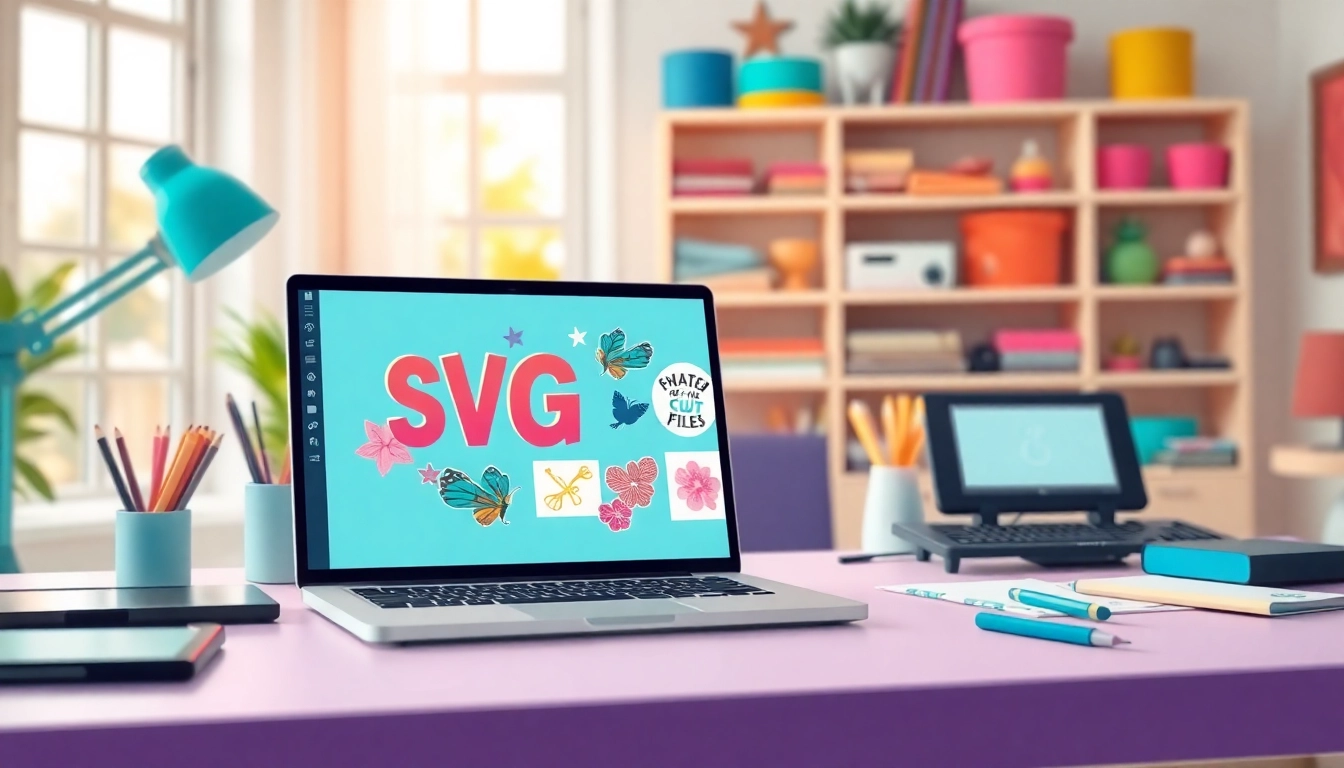
SVG cut files are specific types of digital graphics made in the scalable vector graphics format. Unlike other file types such as JPEG or PNG, SVGs can be scaled infinitely without losing quality. This characteristic makes SVG files particularly suitable for cutting machines like Cricut and Silhouette. These files contain vector paths that define shapes, allowing the cutting machines to follow the paths precisely. With SVG files, you can create everything from intricate designs to simple shapes, making them a go-to choice for crafters and designers alike.
Benefits of Using SVG Files
The versatility and functionality of SVG files provide several key benefits:
- Scalability: SVG files can be resized without losing quality, allowing for a wide range of applications.
- Editability: These files can be opened and edited in various vector graphic programs, making it easy to customize designs.
- Compatibility: SVG files are widely compatible with many cutting machines and software, enhancing their usability.
- Efficiency: Since SVGs define images through paths, they typically use less storage space compared to raster formats.
- Support for Animation: SVG files can be used for animated graphics in web design, providing additional creative opportunities.
How to Use SVG Cut Files in Projects
Using SVG cut files in your projects is straightforward, but here are some essential steps to ensure success:
- Download the SVG File: Find a reliable source offering SVG cut files free download.
- Import to Cutting Machine Software: Upload your SVG file to the software that operates your cutting machine.
- Adjust Settings: Set the machine to the appropriate material settings, whether it be cardstock, vinyl, or another medium.
- Position and Cut: Ensuring your material is properly loaded, send the design to cut.
- Weeding and Application: Remove excess material (weeding), then apply the design to your desired surface.
Where to Find SVG Cut Files Free Download
With the popularity of SVG files, many platforms offer them for free, allowing users to explore a plethora of designs. However, knowing where to look can save time and frustration.
Online Platforms Offering Free Downloads
Several online resources provide a vast library of free SVG cut files. Some popular options include:
- Design Bundles: Offers a section dedicated to free SVG files, many of which have commercial use licenses.
- HelloSVG: A platform offering an extensive range of SVG files perfect for DIY projects.
- Freepik: Provides SVG cut file images, vectors, and graphic resources suitable for various uses.
- Creative Fabrica: A site boasting more than 200,000 free SVG designs compatible with Cricut and Silhouette.
- SVG Heart: A curated collection of free SVG designs, including clipart and t-shirt graphics.
Community Resources for SVG Designs
In addition to established platforms, various communities and social media groups are fantastic sources of free SVG designs. Platforms such as Pinterest often feature user-generated content where crafters share their cuts and creations. Joining groups dedicated to cutting machines on platforms like Facebook or Reddit can provide a continuous stream of fresh designs shared by fellow crafters.
Best Practices for Downloading SVG Cut Files
While downloading SVG cut files is relatively easy, following certain best practices can enhance your experience:
- Check Licensing: Always verify if the SVG file can be used for personal or commercial purposes.
- Read Reviews: Look for user reviews to ensure the quality and compatibility of the files.
- Organize Files: Create a categorization system for your downloaded SVGs to make access easier for future projects.
- Test Cuts: When using a new SVG file, consider doing a test cut with scrap material first to check its fit and design complexity.
- Backup Your Files: Always have a backup of your designs to prevent loss from computer issues.
Creating Your Own SVG Cut Files
If you can’t find the perfect design for your project, creating your own SVG cut files is a great option. This allows for unlimited creativity, tailored specifically to your style and needs.
Tools Required for SVG Creation
To start creating your SVG files, you’ll need the right tools:
- Vector Graphic Software: Programs like Adobe Illustrator, Inkscape, or CorelDRAW are essential for creating vector graphics.
- Cutting Machine Software: Software compatible with your cutting machine, such as Cricut Design Space, can aid in exporting SVG files properly.
- Graphic Tablet (optional): If you’re creating intricate designs, a graphic tablet may enhance your drawing precision.
Step-by-Step Guide to Making SVG Files
Creating your SVG files is easier than it seems. Follow these steps:
- Open Your Design Software: Start by launching your vector graphic software.
- Create a New Document: Set your canvas size according to your intended project dimensions.
- Design Your Graphic: Use the drawing tools to create your design, utilizing shapes, lines, and colors as desired.
- Convert Text to Outlines: If your design includes text, convert it into vector outlines to ensure it cuts correctly.
- Export as SVG: Finally, export your design as an SVG file, ensuring all layers and paths are included.
Tips for Designing Custom SVGs
Creating effective SVG cut files involves more than just drawing. Consider these tips:
- Think about the Medium: Consider the material you will use to ensure your design is appropriate for cutting.
- Simplicity is Key: Overly intricate designs can be challenging to cut; aim for clarity and simplicity.
- Testing is Vital: Always do a test cut to ensure your design translates well on your cutting machine.
- Research Trends: Keep an eye on crafting trends and seasonal themes to make your designs more marketable.
- Seek Feedback: Share your designs with trusted friends or on crafting forums to gather constructive criticism.
Commercial Use of SVG Cut Files Free Download
Many crafters look to monetize their skills through SVG cut files, making understanding commercial use crucial.
Understanding Licensing and Usage Rights
Before using any SVG files for commercial purposes, it’s essential to understand the licensing terms. Some files are available for personal use only, while others come with licenses permitting commercial use. Always read the fine print to avoid legal issues.
Examples of Commercial Projects using SVG Files
SVG files can be utilized in a vast array of commercial projects, including:
- Custom Apparel: Use SVG files to create unique designs for t-shirts, hoodies, and more.
- Home Decor: Wall art, signs, and personalized home items can all be crafted with SVG files.
- Craft Kits: Package SVGs into DIY craft kits for resale.
- Wedding Decor: Customizable wedding invitations and table decorations can be designed using SVGs.
- Merchandise: Create stickers, mugs, and other items to sell at craft fairs or online.
How to Market Your SVG Designs
Once you create your SVG designs for commercial use, marketing them effectively becomes crucial. Consider implementing these strategies:
- Social Media Promotion: Utilize platforms like Instagram and Pinterest to showcase your designs.
- Online Craft Marketplaces: List your SVG designs on craft-specific platforms aimed at crafters.
- Create Bundles: Offer bundled designs for a better value to customers, enhancing sales potential.
- Collaborate with Influencers: Partner with popular crafters or influencers to expand your audience reach.
- Offer Freebies: Provide a few free SVG downloads to attract potential customers and showcase the quality of your designs.
FAQs About SVG Cut Files Free Download
Where Can I Find Quality SVG Cut Files Free Download?
High-quality SVG cut files can be found on various websites offering free downloads, including design-focused platforms and community boards.
Can I Use SVG Cut Files for Commercial Projects?
Many SVG files are available for commercial use, but it’s important to check licensing agreements for each individual file.
How Do I Convert an Image to SVG Format?
Convert images to SVG using software like Adobe Illustrator or online converters, ensuring to trace or vectorize them before saving.
What Software Do I Need to Open SVG Files?
SVG files can be opened with various software, including graphic design applications like Adobe Illustrator and Craft software like Cricut Design Space.
Are There Any Limitations to SVG Cut Files Free Download?
Yes, limitations may include file resolution, licensing restrictions, or compatibility with specific software. Always verify these details before use.